View product images
We have different sets of product images at the right side panel. Each of the image sets includes 4 different angles of each product; 2-3 angles for curtain view; 1-2 views for fabric close-up. By switching the view, choose from the sets to make the images grid in the thumbnail refresh and load accordingly:
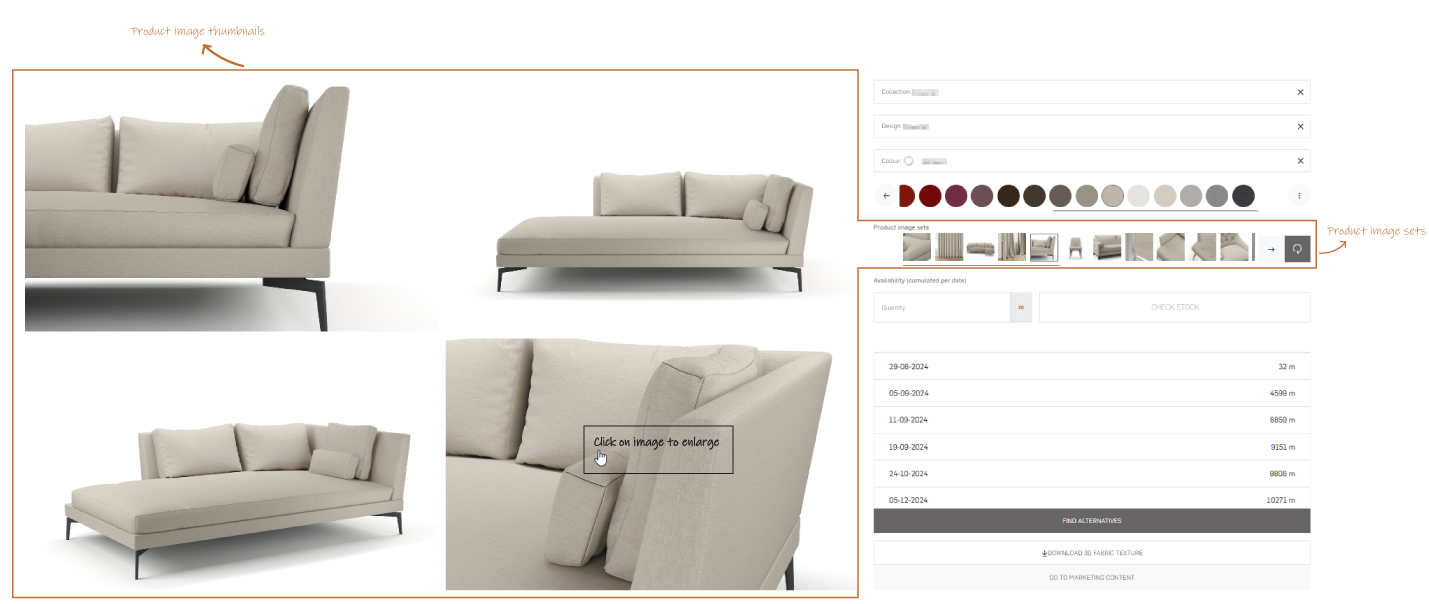
- Enlarge product images
Every product image in the thumbnail can be clicked upon to zoom in on the image and browse all available images into a full screen view:
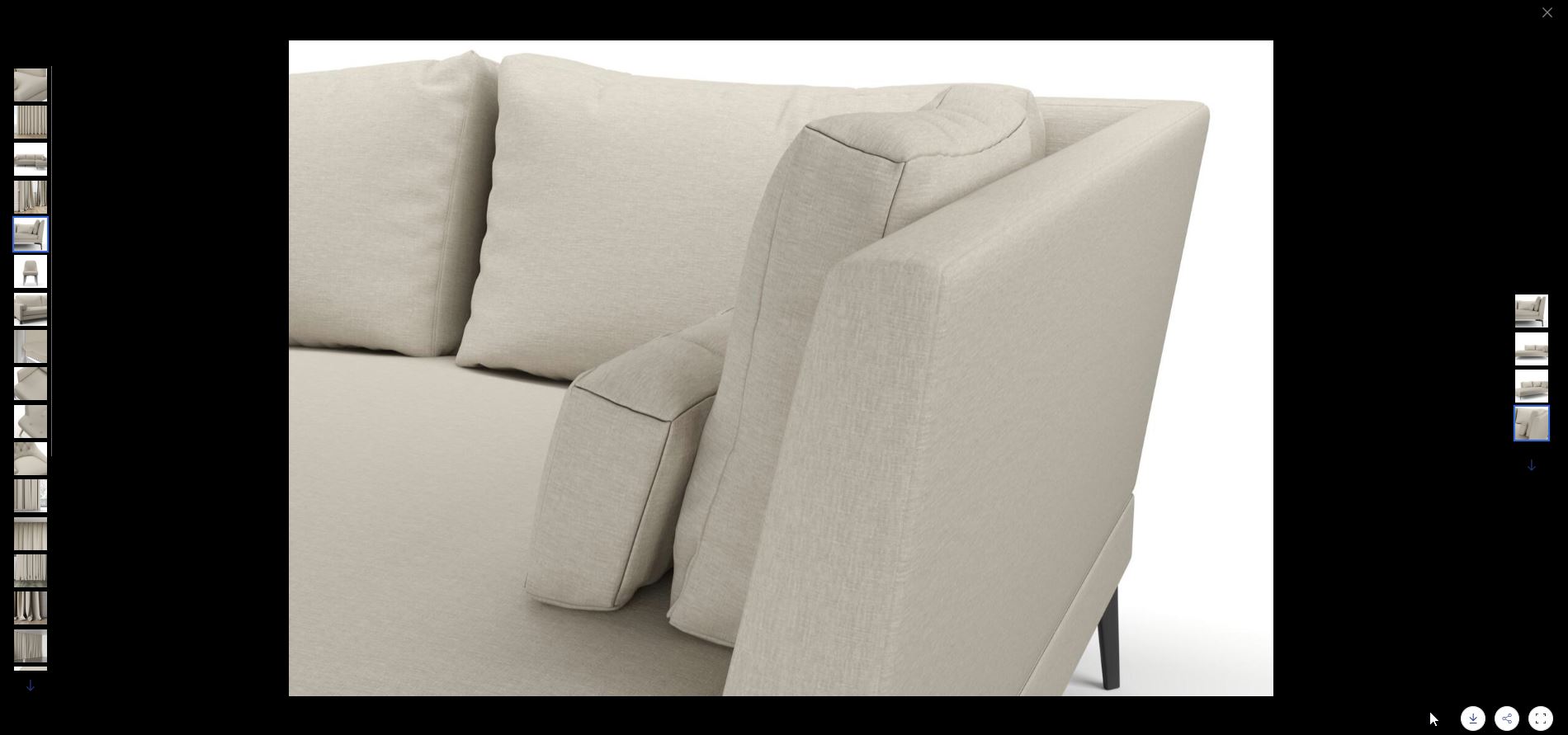
The three icons in the bottom right-hand corner of the zoom pop-up respectively enable to:- download the image directly
- copy the link to this specific image/view and share this link
- maximize the image to the full pop-up window, or fit it to the width available between the left- and right-hand side image selection carousels
Viewing videos and roomshots
We have collection videos and room shots included in the section if you scroll lower in product details page. The Marketing library shows all room shots for the selected collection or design:
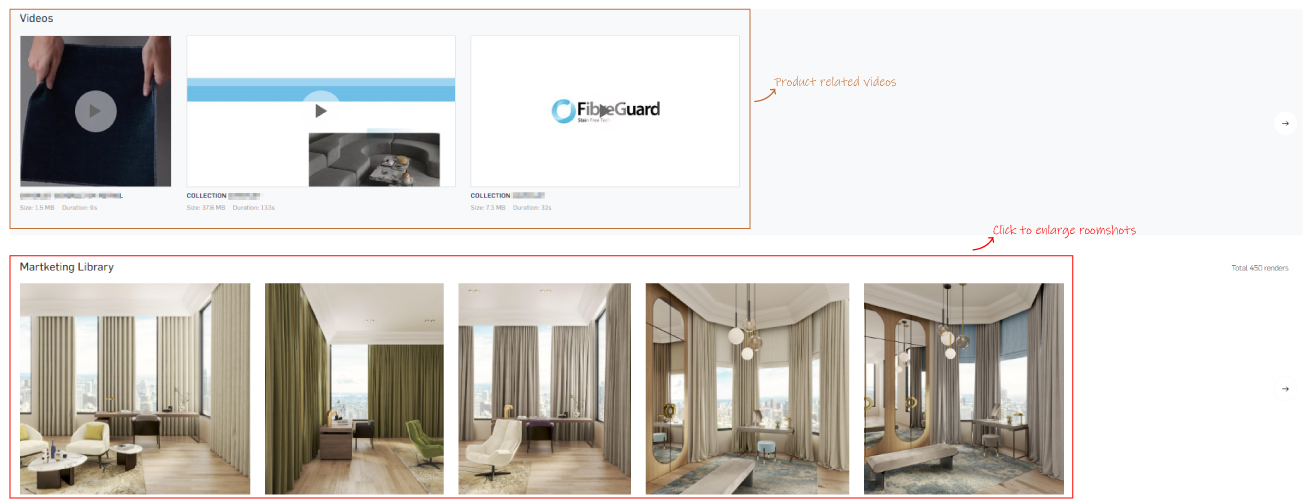
Click on the roomshot to preview in larger image size.
*NOTE: SKU tags are also available where applicable on the furnishings inside the image.
