Stock date and availability check
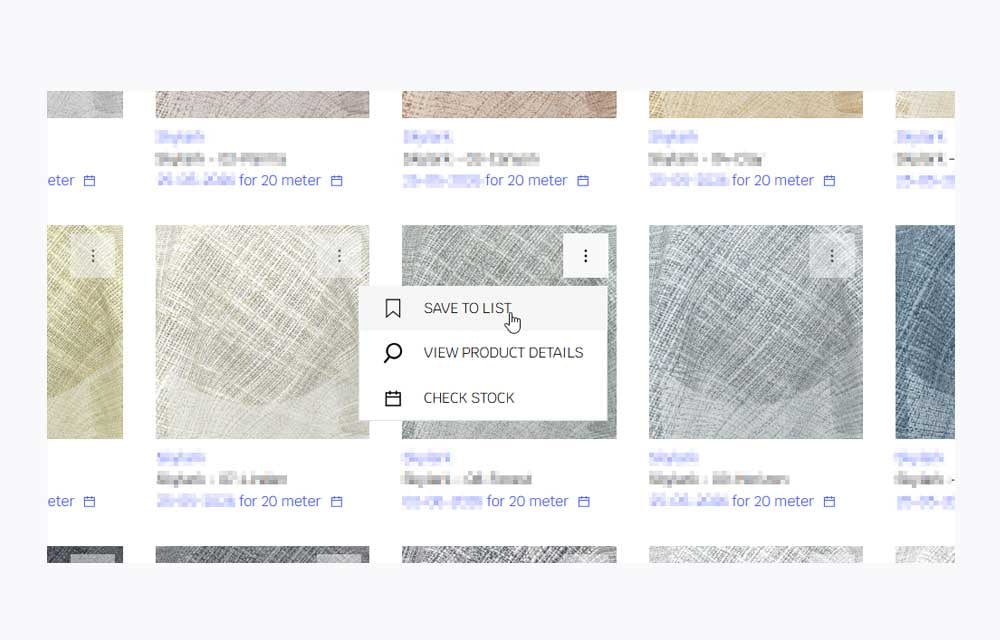
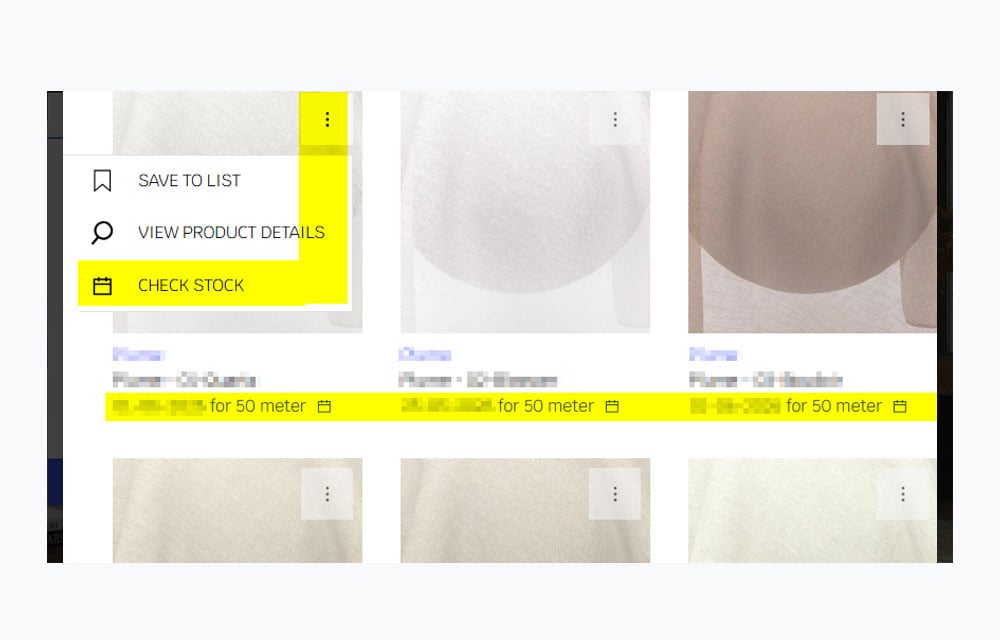
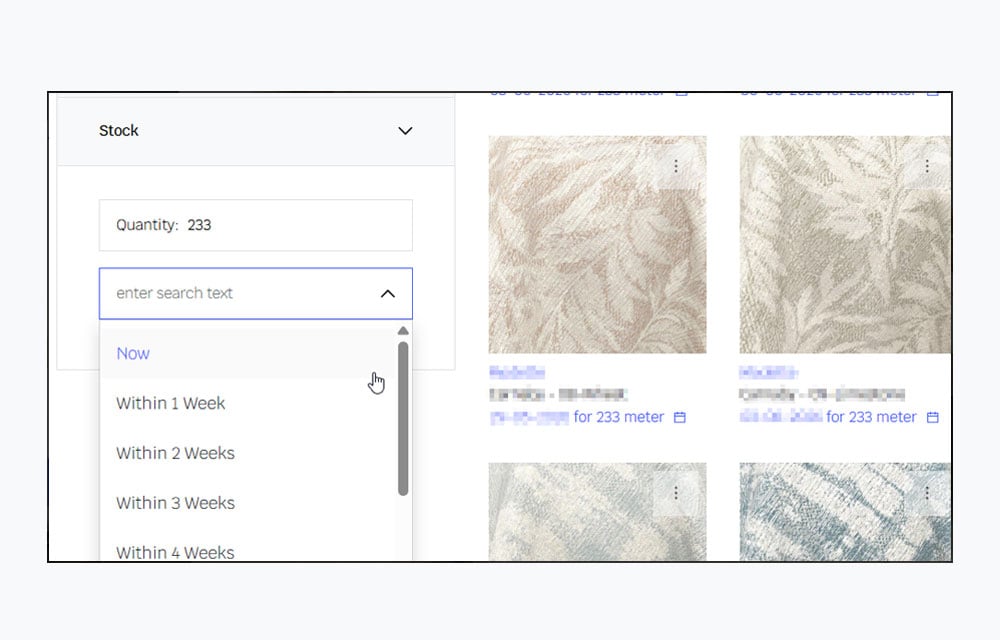
To check stock on the product details page, view the calendar below each image tile. For more options, click the three-dot icon to expand the "Check Stock" selection, or simply click directly on the calendar.
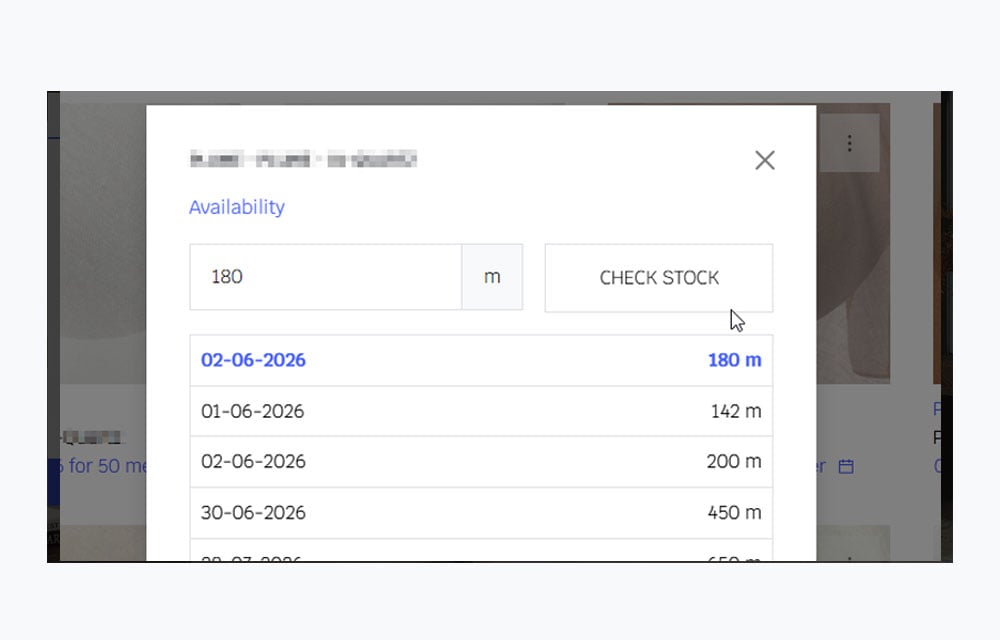
The stock calendar will show the updated availability date, where you can enter your preferred quantity and check stock date.
NEW FEATURE
View All Your Preferred Stocks in One Place
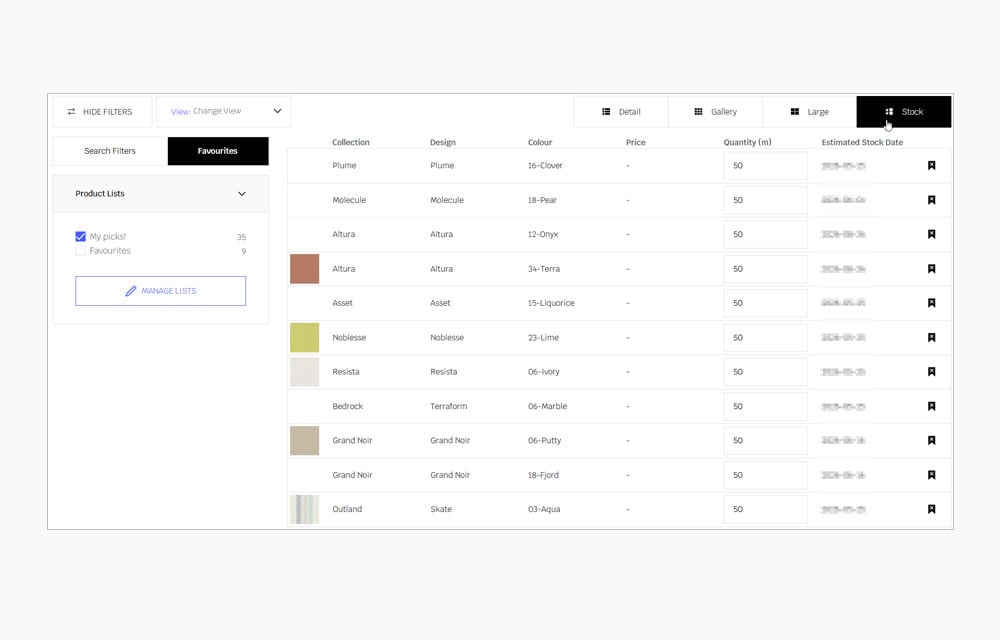
To see all your preferred stocks in one place, save the product by clicking the three dots to expand options. Then, select "Favourites" from the left filter panel, and click "Stock View" on the right to display your saved items as a list.