Back to main
Preview assets overview
The marketing module provides a comprehensive set of product types and marketing resources, enabling customers to download a variety of marketing assets.
Here’s an overview of Marketing page:
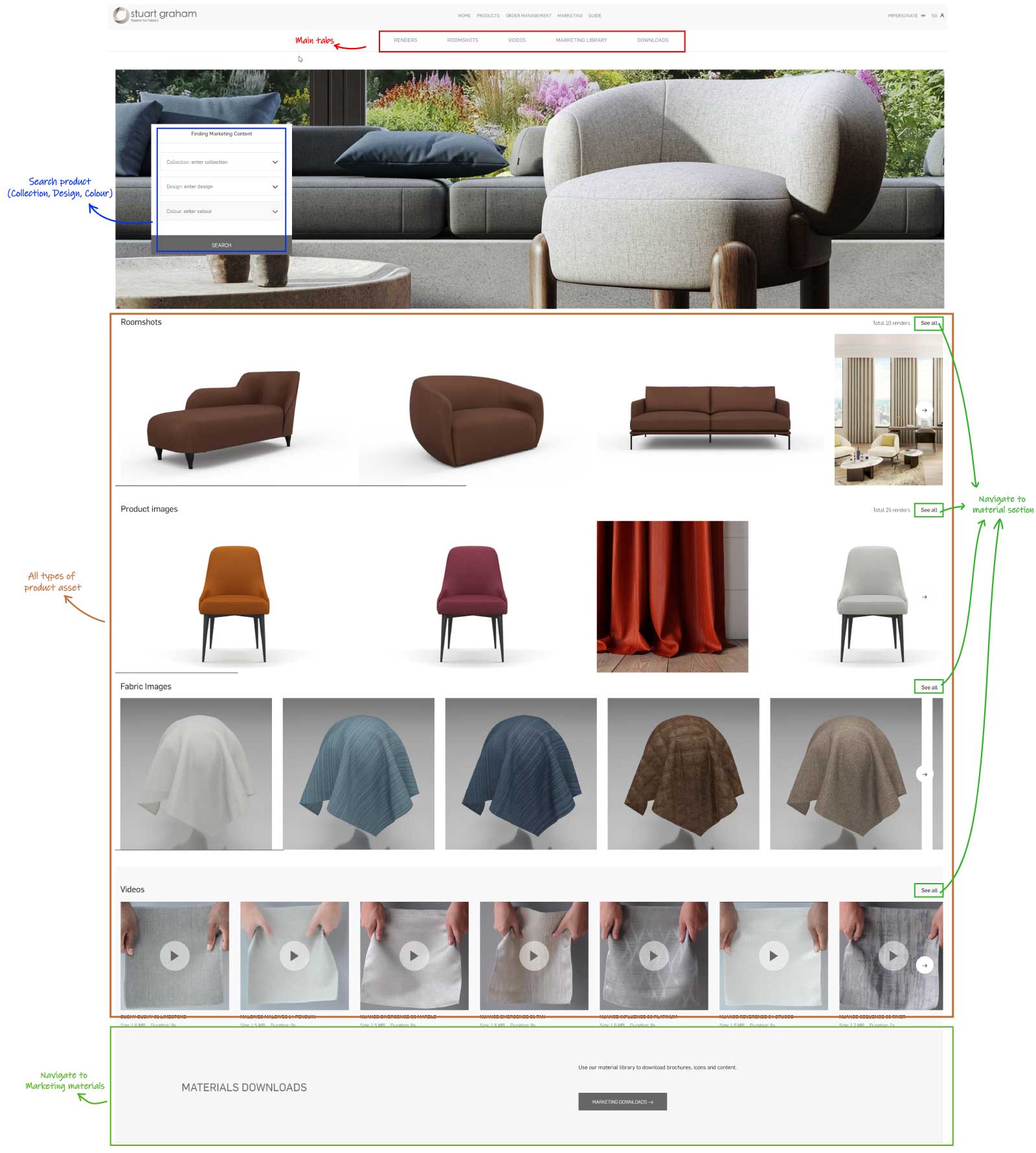
This page gives you an overview of most recent asset types. Once you select a collection, design or colour, the respective product will be updated and displayed in the list. Clicking on ‘See All’ will take you to a section that contains all items of that specific asset type.
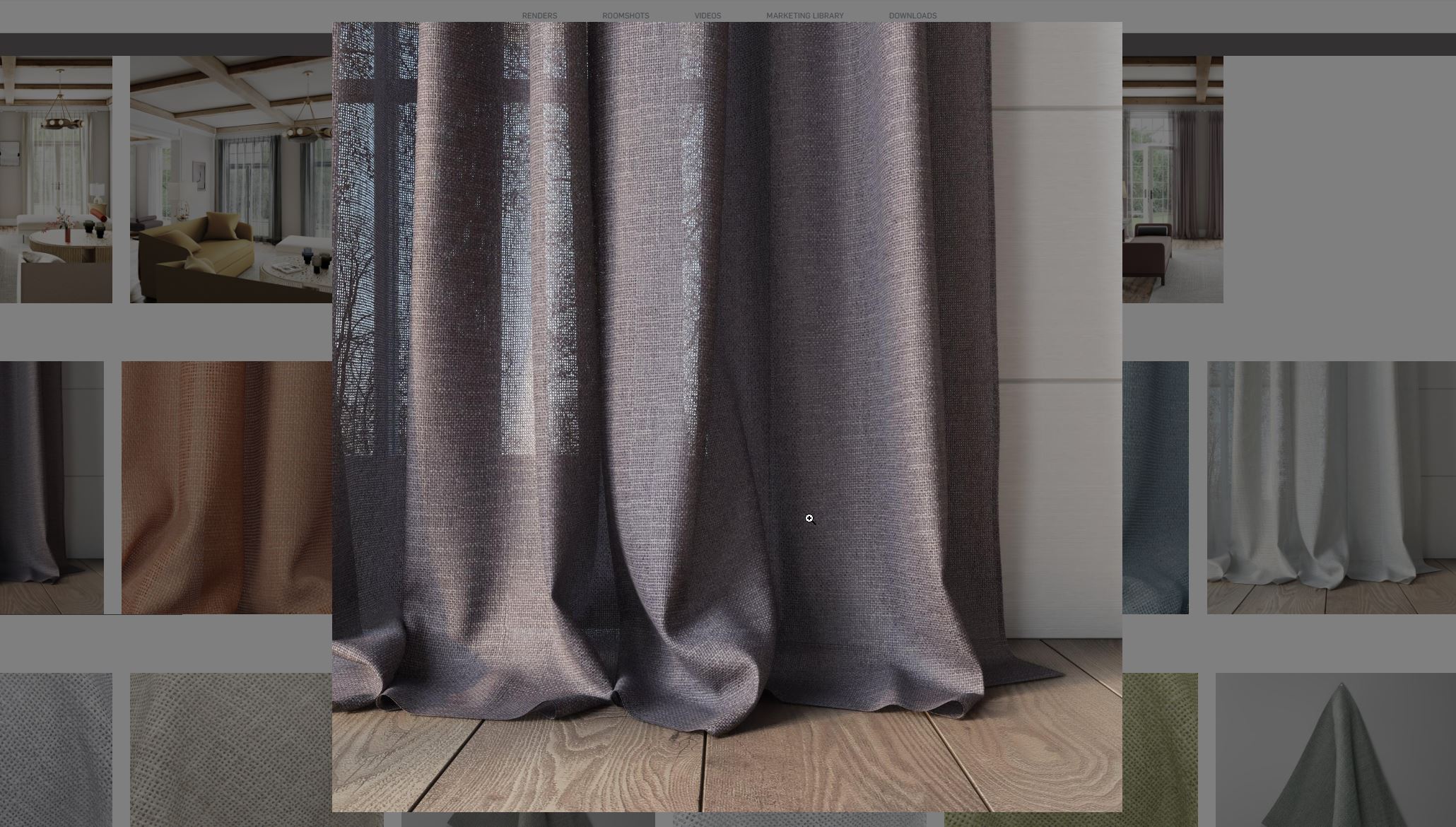
- Enlarge product image
Simply click each of the images to enlarge preview size
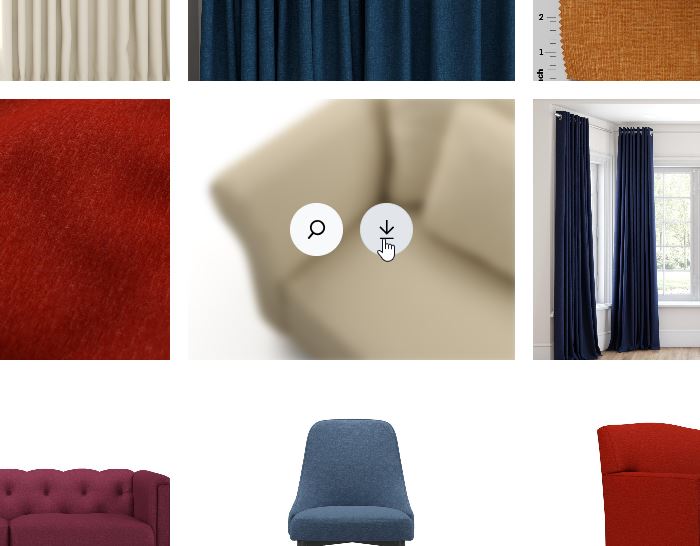
- Single image download
When hover over the product image, there are 2 icons which enabling you to enlarge or download that particular image directly by clicking download icon. This action can be done in Renders tab and Roomshots tab.
- Preview video and download
If you'd like to look for specific fabric or collection video, click on Videos tab and filter with your desired collection. In there you can view single video by pressing play button on the thumbnail or click below to download it.
*NOTE: Not every collection includes fabric animations or presentation videos.