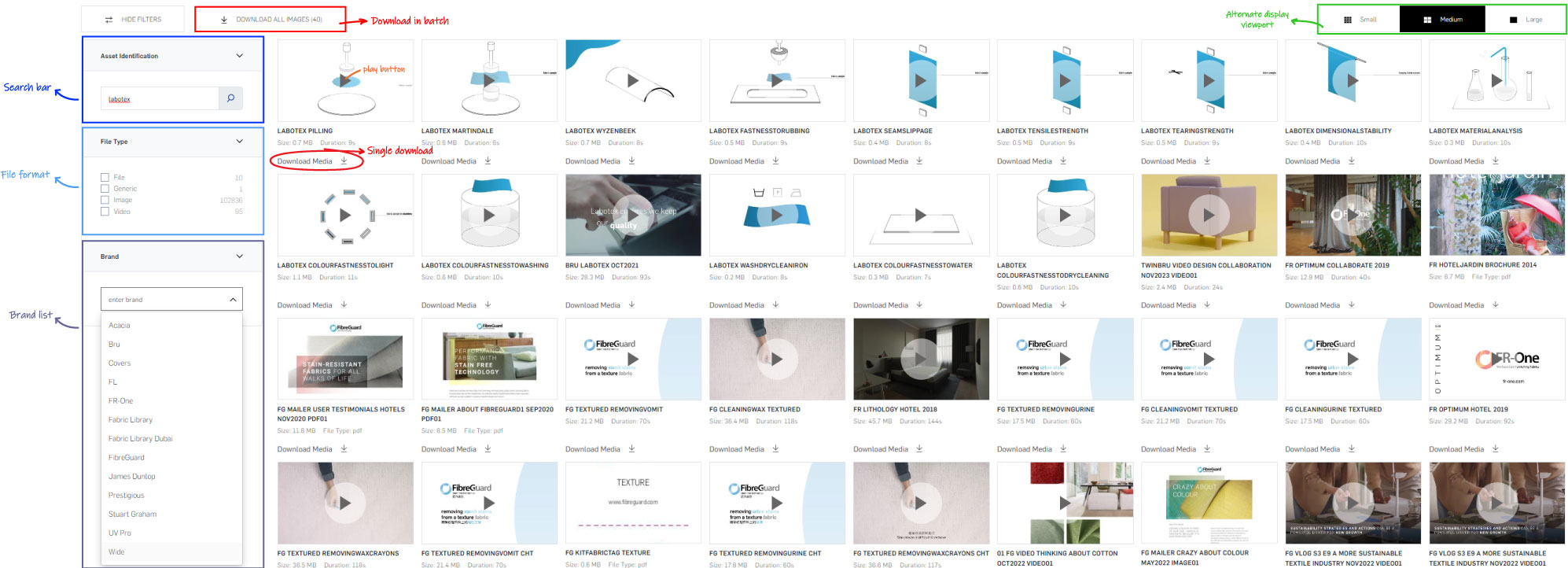
Downloading multiple assets
You can navigate to specific sections (Renders, Roomshots, Videos, etc.) to download multiple assets simultaneously. As soon as you filtered out a small enough subset of assets from the Renders, Videos or Materials tab, the Download button at the top gets enabled:
*NOTE: 5000 images maximum per download.
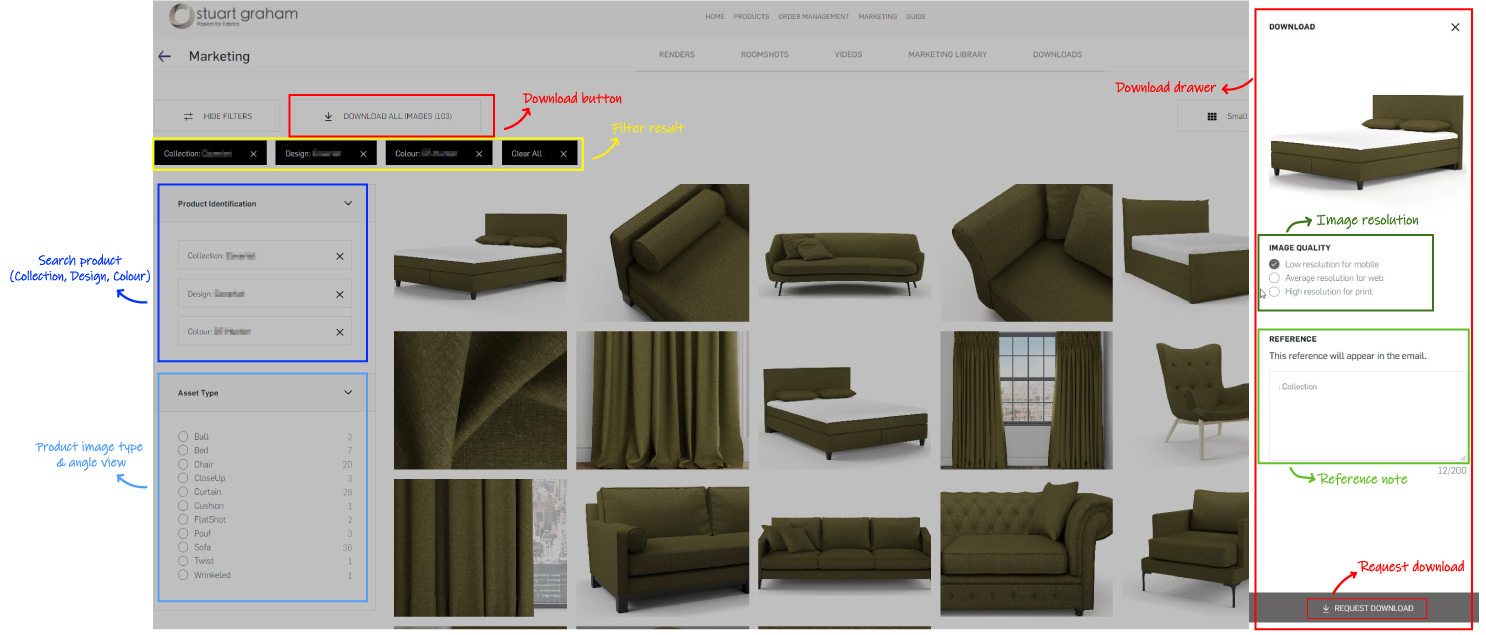
When you have concluded asset type selection, click on "Download all" button. This will open a side panel where you can choose image quality for your assets, and add a reference note for your download request.
Downloading marketing materials
In marketing library tab, you will find some useful digital promotional materials for your marketing campaign.
Below is an overview of marketing library lister: