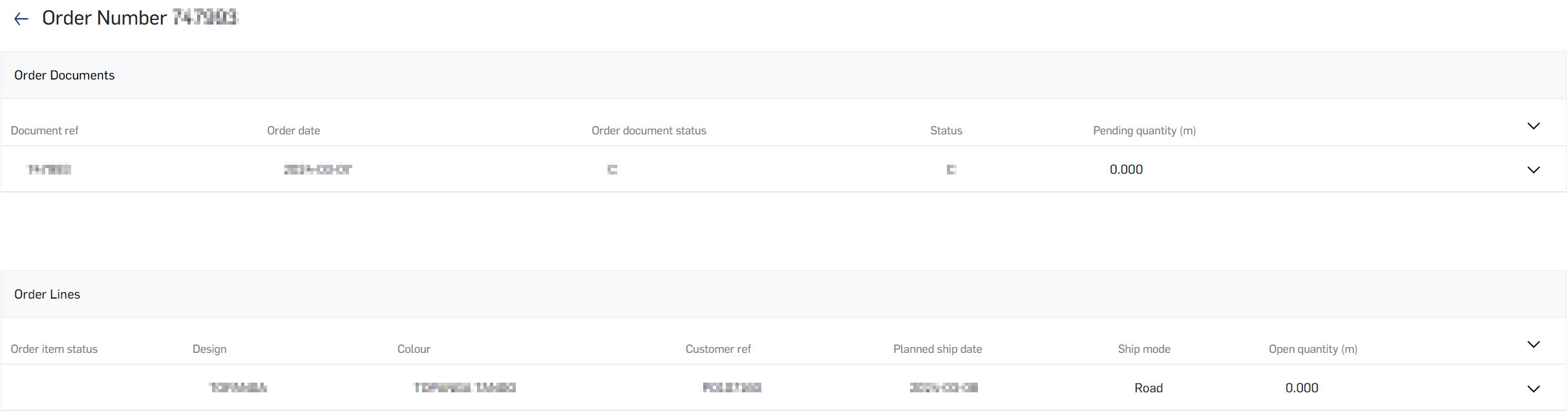
Back to main
Tracking order status
*Please note that order management page is only available for user roles such as Purchaser, Administrator or Agent who holds multiple account.
The Order management module enables to follow up pending orders and view details of your orders and invoices.
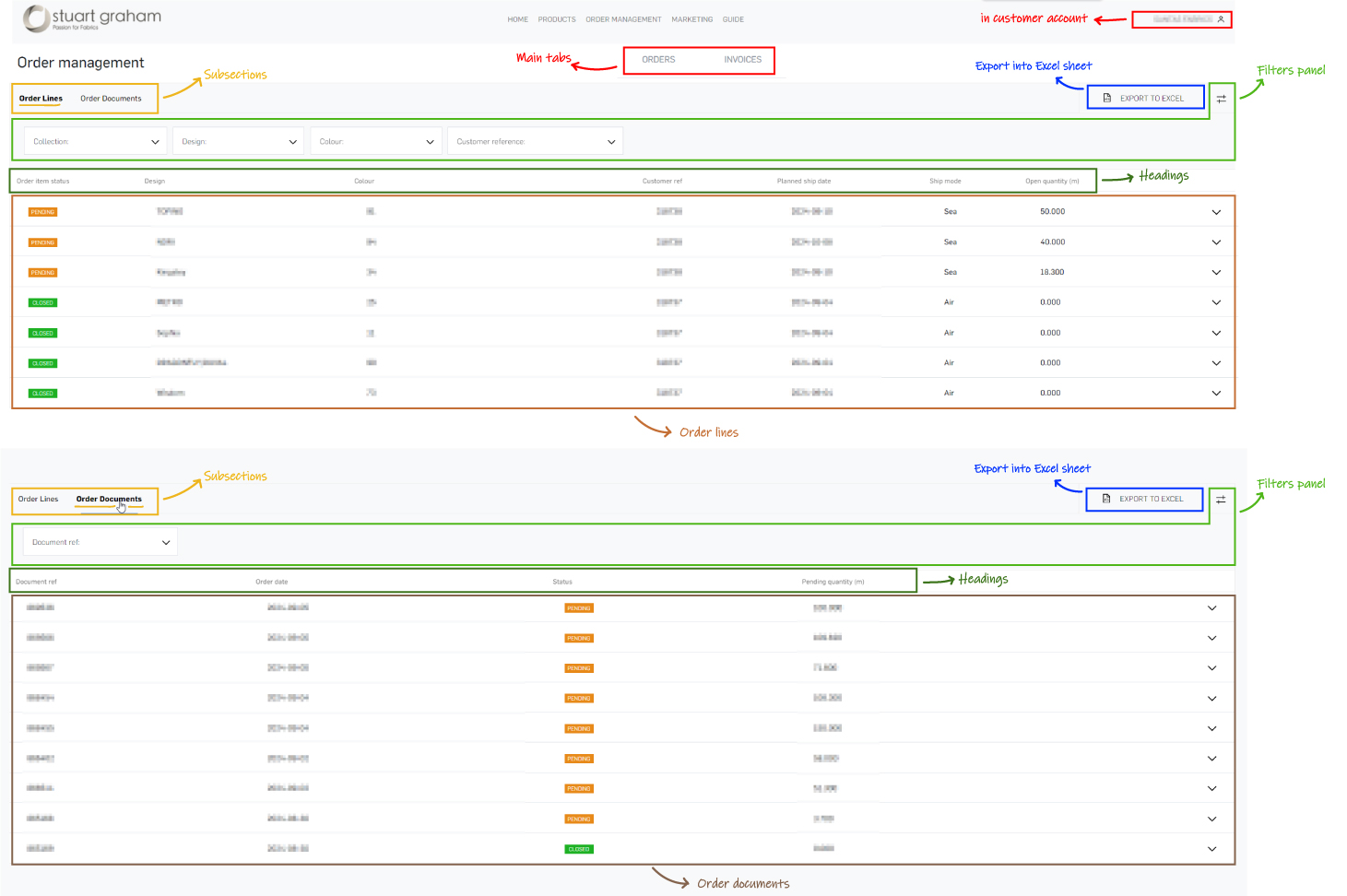
Here's an overview of orders module:
- Export order lines
To load the order lines, scroll down and then export the loaded orders as a Excel Spreadsheet. Simply click the ‘Export to Excel’ button located at the top-right corner of the lines view.
- Sorting order list
The easiest way to sort all order lines by clicking twice on the ‘Order item status’ in headings makes the pending order lines appear at the top of the list, and then open the filters panel (via the filtering icon in the top right-hand corner) to look for a specific collection, design, colour or order reference.
- View more details
You can view more details for each line by clicking on the respective line or the expand arrow on the right. Once expanded, you can click to see the ordered product on the Product Details page or review your order confirmation/document.