Back to main
Back to main
Browsing in Products page
After you have checked on the product's collection, design and color type, you will be brought to Products page and these results will then be filtered in result. Products page is also accessible via the navigation menu item and in itself enables further browsing:
Here's an overview of Products page navigation:

- Product filter
Filter panel at the left offers a wide range of criteria you can set to narrow down your search.
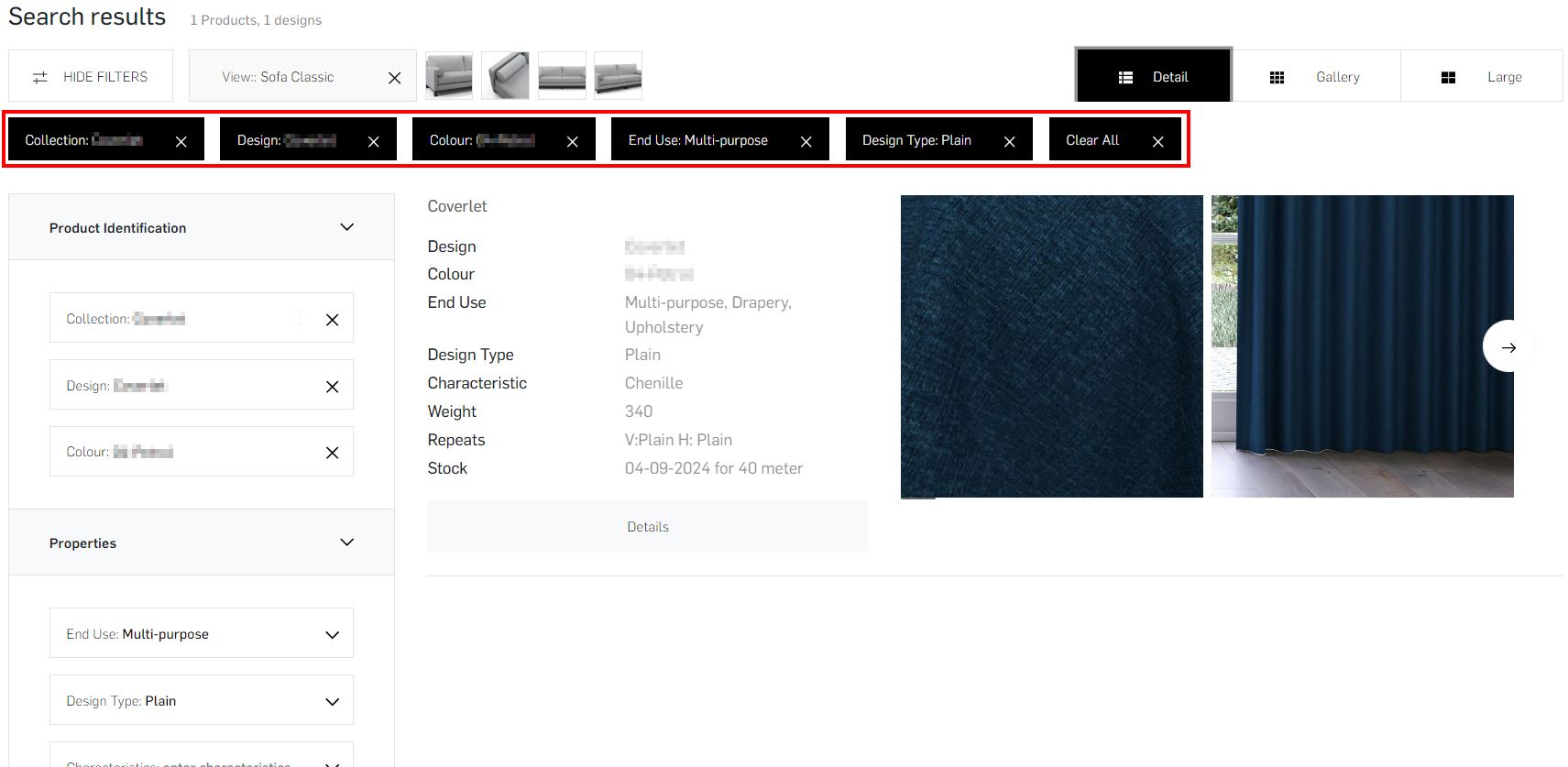
Either you have searched the product item from homepage or select from products page, all active filters are listed at the top, can be de-activated one by one, or cleared all at once by pushing the 'Clear All' option.
- Switch viewport
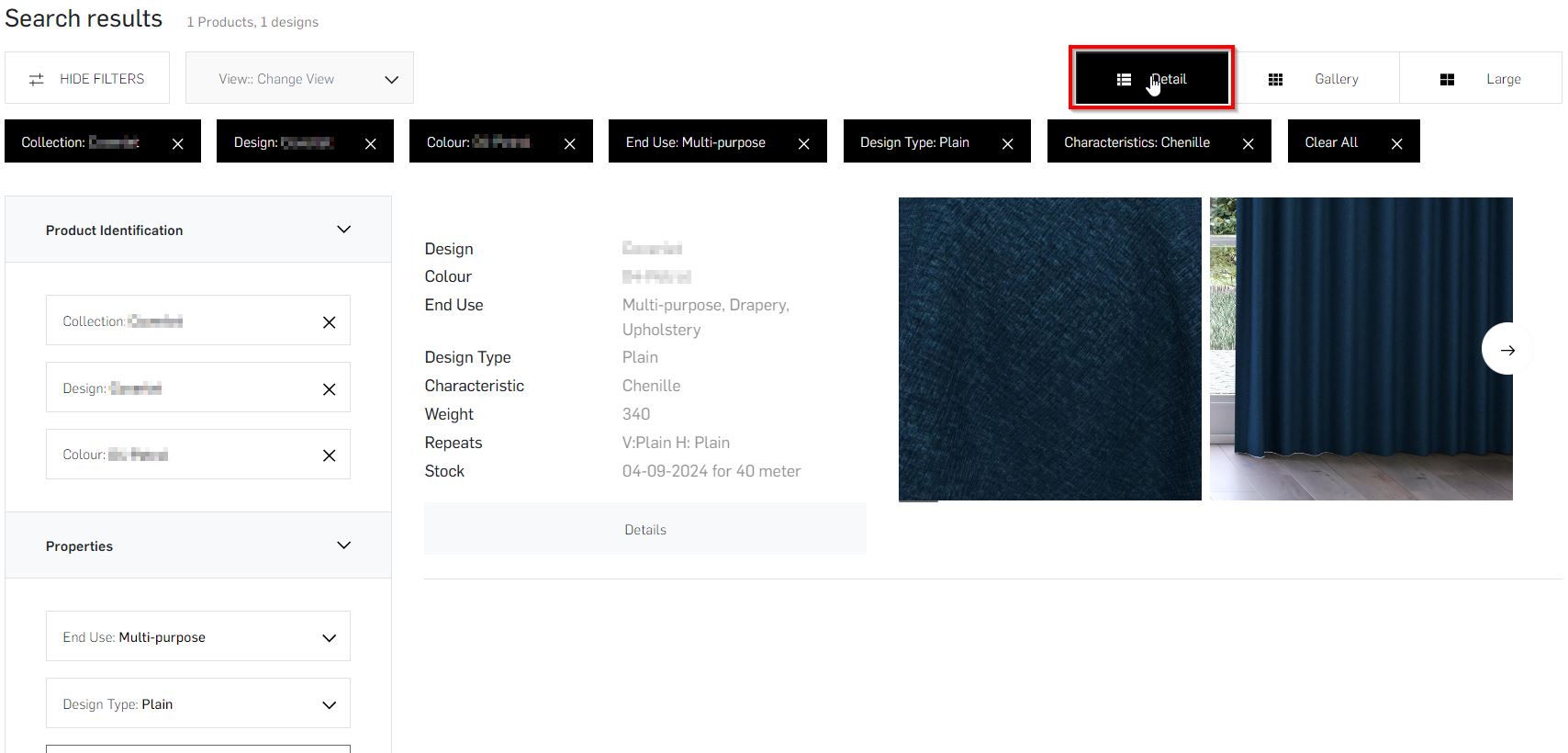
Alternative ways to view the products in this search results page are the view switching listbox at the top left, and the three view options at the top right:- the Detail option shows all results with their most important technical properties and carousel of images
- the default Gallery option shows all results with medium sized thumbnails
- the Large option shows all results in a grid with larger preview images
- Stock check
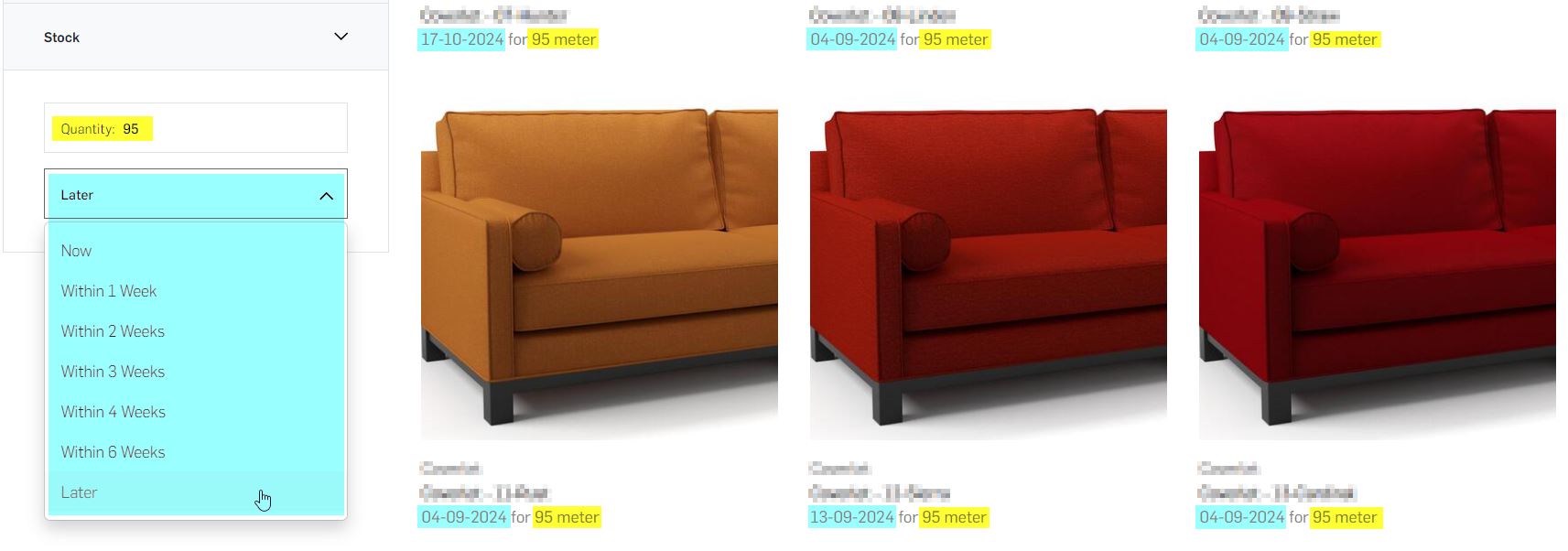
Every product is displayed with a stock date corresponding to the default quantity of fabric, you can input any quantity amount and select time duration at the bottom of left side panel:
- Navigate to product details page
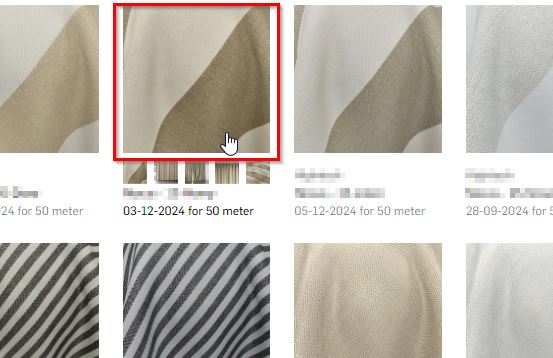
Click on the card of the product you want to view details for